How Online Bill Payment Can Simplify Monthly Expenses
Online bill payment can make recurring expenses easier to manage by allowing users to complete eligible payments digitally, review transaction records, and monitor due dates from one place. A Personal Loan may support a separate financial requirement, but regular bills should ideally remain part of planned monthly spending rather than depend on new borrowing.
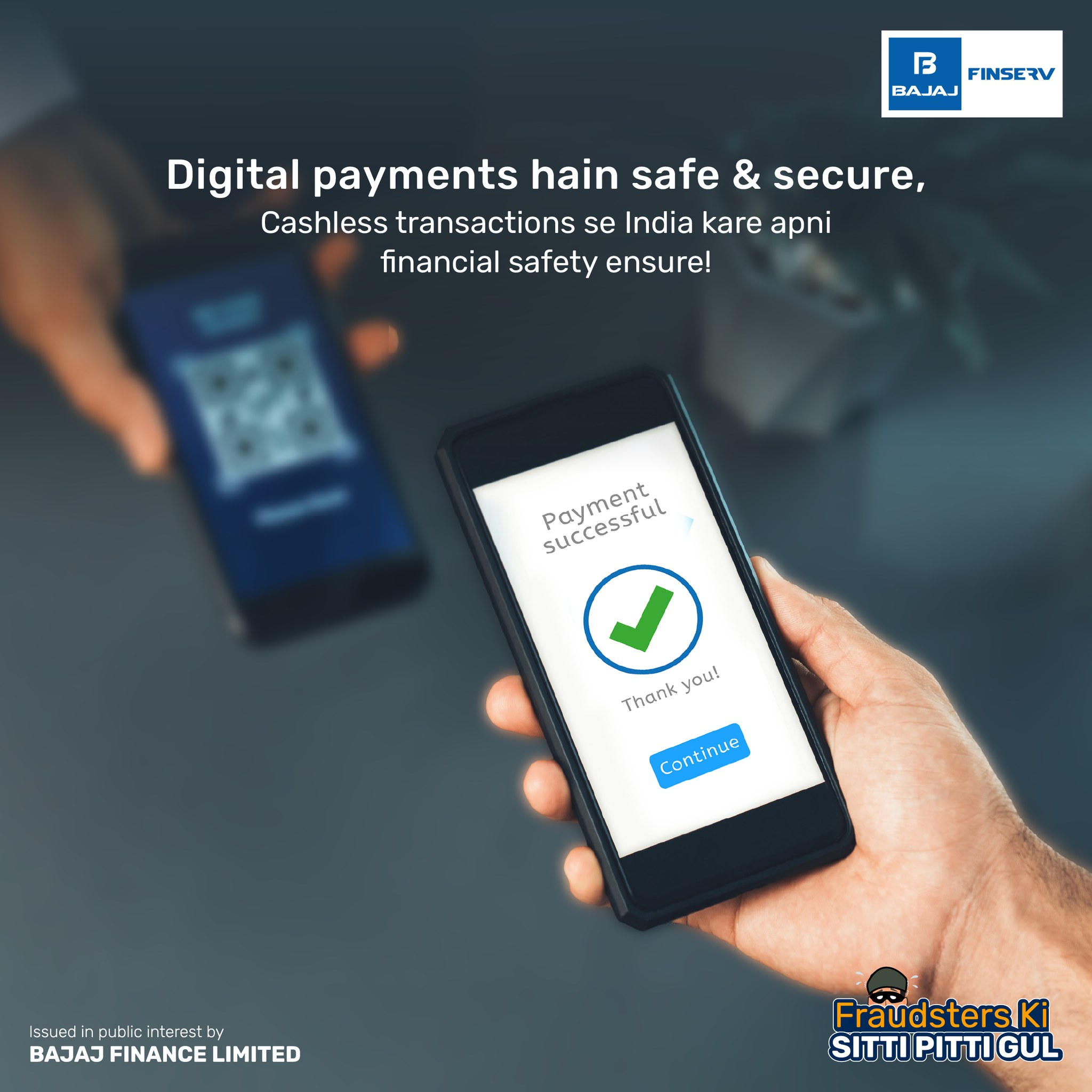
The real value of paying bills online is not just speed. It can also improve financial visibility when users check payment status, store digital records, compare monthly expenses, and keep recurring obligations aligned with available cash flow.
Begin With A Monthly Bill Inventory
A household may have several recurring payments across the month.
These can include:
- Electricity
- Water
- Gas
- Mobile
- Broadband
- Insurance
- Subscriptions
- Other eligible services
Creating a complete list helps users understand how much income is already committed before discretionary spending begins.
This is especially useful when bills fall on different dates.
Classify Bills By Priority
Not every bill has the same importance.
Users may separate payments into:
- Essential utilities
- Financial commitments
- Communication services
- Optional subscriptions
This makes it easier to prioritize payments during a tight month.
Essential services should generally be protected before discretionary recurring expenses.
Review The Due Date Before Paying
The due date affects how urgently a payment needs to be completed.
Users can avoid last-minute pressure by checking:
- Current due date
- Grace period, if applicable
- Expected payment processing time
Paying slightly earlier can provide time to resolve a failed or delayed transaction.
This can reduce the risk of service disruption or late charges where applicable.
Verify The Biller Information
Before authorizing a digital payment, users should confirm that the bill belongs to the intended account.
Useful details may include:
- Biller name
- Consumer number
- Account number
- Amount due
Incorrect information can lead to the wrong payment being completed.
A quick verification is particularly important when several family accounts are being managed from one app.
Check The Amount Before Authorization
Users should compare the amount shown in the payment interface with the actual bill.
This helps identify:
- Unexpected increases
- Duplicate charges
- Incorrect amounts
If the bill is significantly higher than usual, it may be worth reviewing the underlying usage or billing details before paying.
Treat Payment Status As Part Of The Process
A digital payment does not end when the button is pressed.
The transaction may show as:
- Successful
- Pending
- Failed
Users should wait for the correct status before assuming the bill has been paid.
This is especially important near the due date.
Avoid Immediate Duplicate Payments
If a payment remains pending, users may feel tempted to try again.
However, an immediate second payment can create a duplicate if the first transaction later succeeds.
Before retrying, check:
- Transaction history
- Bank debit
- Biller status
This helps reduce unnecessary payment disputes.
Keep Digital Receipts Organized
Online bill payments create a useful financial record.
Users may want to keep details such as:
- Payment date
- Amount
- Biller
- Transaction reference
- Status
These records can help resolve issues when a biller does not immediately reflect the payment.
They can also support monthly budgeting.
Use Historical Bills To Understand Cost Changes
Online records make it easier to compare bills over time.
Users may notice changes in:
- Electricity usage
- Broadband plans
- Mobile spending
- Subscription costs
A steady increase in one category can signal that the underlying service or usage needs review.
Payment history can therefore provide useful budgeting information.
Review Recurring Services Periodically
Some services remain active even when they are rarely used.
Users can review:
- Entertainment subscriptions
- Memberships
- Digital services
- Optional add-ons
Cancelling unnecessary recurring costs can improve monthly cash flow.
Small savings across several services can become meaningful over time.
Reserve Money Before Due Dates Arrive
One way to make bill payment more predictable is to allocate money shortly after income is received.
Users can set aside funds for:
- Utilities
- Insurance
- Rent-related payments
- Other recurring obligations
This reduces the risk of spending money that will be needed later in the month.
Keep Variable Bills In A Separate Buffer
Some expenses can change significantly month to month.
Electricity or gas bills may vary based on usage.
A small monthly buffer can absorb these changes without disrupting the rest of the budget.
This makes payment planning more flexible.
Protect Payment Credentials
Digital bill payment involves sensitive information.
Users should protect:
- Passwords
- OTPs
- UPI PINs
- Banking details
- Device access
Payments should be completed through verified platforms.
Unknown links requesting confidential information should be treated cautiously.
Review Automatic Payments Instead Of Ignoring Them
Automatic payments can reduce missed due dates, but they should still be monitored.
Users should confirm:
- The service is still required
- The amount is correct
- The transaction completed successfully
- The linked account has sufficient balance
Automation should simplify administration without removing financial awareness.
Keep Bills Separate From Borrowing
A recurring bill is different from a one-time financial emergency.
If routine payments repeatedly require new loans, users may need to review:
- Monthly income
- Fixed costs
- Existing EMIs
- Discretionary spending
Borrowing can increase future monthly obligations and make the original cash-flow problem harder to solve.
Use Payment Records In A Monthly Financial Review
At the end of each month, users can compare:
- Total essential bills
- Variable expenses
- Optional recurring costs
- Failed or delayed payments
This can help identify which expenses are increasing and where adjustments may be possible.
The goal is not simply to pay bills, but to understand their impact on overall household finances.
Keep Credit Decisions Separate From Payment Convenience
A personal loan calculator may help estimate borrowing scenarios for a separate financial need, but online bill payment should normally remain part of regular monthly cash-flow planning.
Digital convenience should make recurring payments easier to manage without turning ordinary household expenses into long-term debt.
Conclusion
Online bill payment can simplify recurring expense management by making due dates, transaction status, and payment records easier to track.
Users can improve the process by verifying biller details, reserving funds in advance, reviewing variable costs, monitoring automatic payments, and keeping digital receipts organized. Security and transaction verification should remain part of every payment.
A reliable online bill-payment routine helps users manage household obligations more consistently while keeping regular expenses separate from unnecessary borrowing.